Back Into Bluebeam
The findings land in the tool a city reviewer already redlines in — pinned to the plan set — and their own markups ride back.
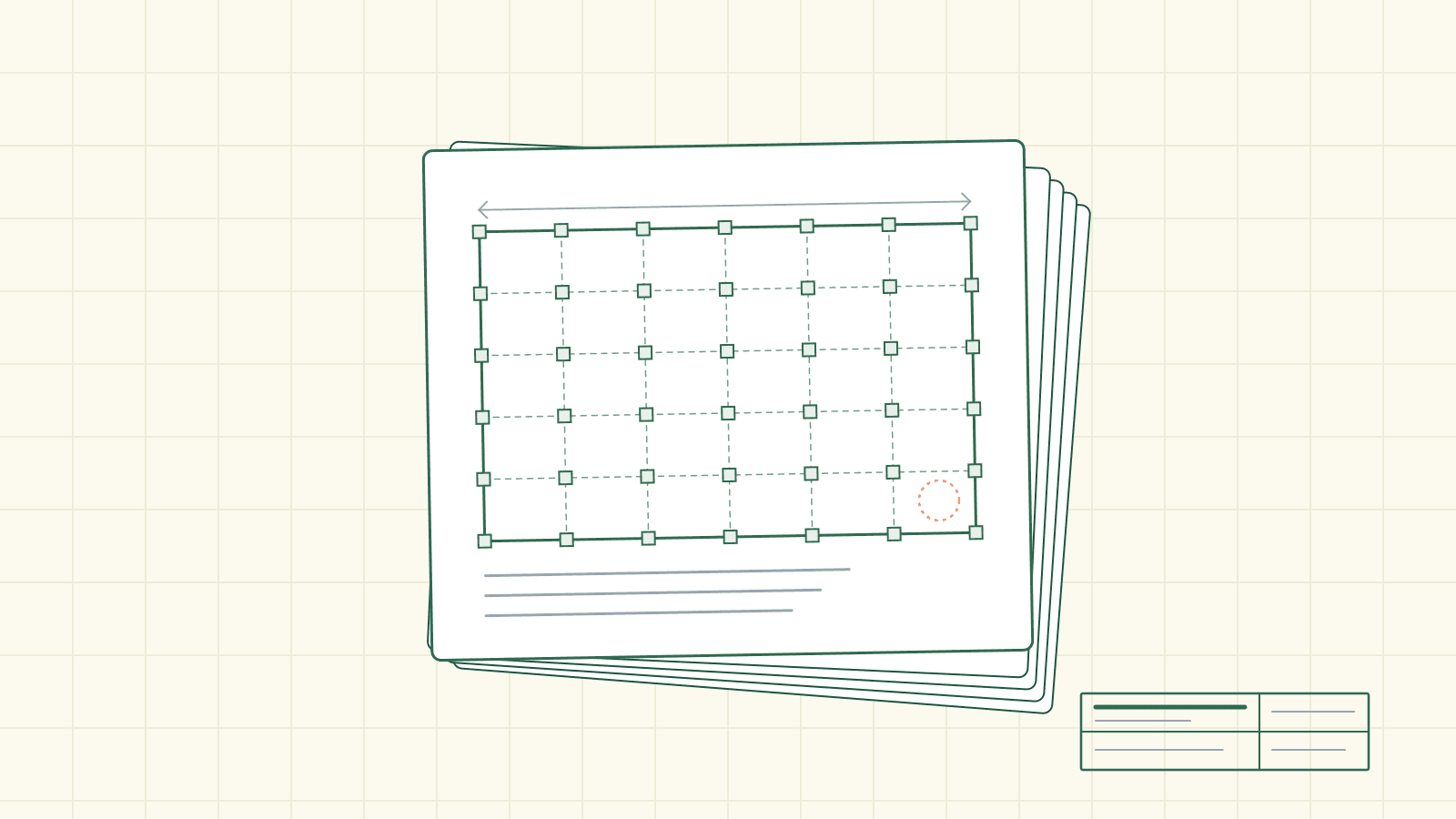
Every plan checker has a Bluebeam they've made their own. Two monitors, the plan set on the left, the corrections list on the right. A stamp tool mapped to a hotkey. A cloud-callout color they've leaned on so long it's basically a signature. It's where the workday lives — redlines, measurements, the slow back-and-forth that turns a submitted set into an approved one.
So here's the ask most new software makes: learn a different screen. Log in somewhere else, read your findings in somebody else's layout, then come back to Bluebeam to actually do the work. Two tools, one job, a copy-paste seam running down the middle.
The review skips the ask.
The findings come to the reviewer
When a plan set finishes review, the findings come back as a Bluebeam-ready PDF — the reviewer opens it in the same software they redline everything else in. And they don't arrive as a summary page or a sidebar. Each finding is pinned onto the actual reviewed plan set: a numbered circle dropped at the finding's own spot, on the right sheet, at the right coordinates. The thing the review flagged sits on the drawing where it lives, so the reviewer's eye goes straight to it.
The circles are color-coded by severity, in the review's own palette:
violation   autumn red   #BF382B   fix before this set moves
warning     warm brown   #8B6914   verify — ask the applicant
info / note  moss green   #2D6A4F   informational, reads clean
(Colors illustrative — the three severities the review marks.)
Click a pin and the whole finding is right there in the markup: the color-coded severity and the title, the code section, the finding itself, and the required action. Not a pointer to go read it elsewhere — the correction, in full, sitting on the sheet. And the markups are flagged to print, not just to glow on screen, so when the reviewer runs the set to PDF or paper for the file, the findings ride along.
The findings didn't ask the reviewer to come to them. They showed up where the reviewer already was.
And the reviewer's markups come back
Then the reviewer does what they always do. They redline. They cloud a wall that's missing a dimension, drop a note beside a stair, override a finding they've decided reads differently on this project, dismiss one that doesn't apply.
When that marked-up file goes back into the review, all of it carries. The reviewer's own new annotations — anything the review didn't author — come back as new findings on the set. And their edits to the review's own findings ride back too, matched to the exact finding they touched: a changed result, edited finding text, a rewritten required action, a dismissal. The redline the reviewer drew by hand becomes part of the record the review keeps — no retyping, no second entry, no copy across the seam.
It works with an .xlsx findings workbook, too, for reviewers who'd rather sort in a spreadsheet. Same idea: mark it up in the tool you like, send it back, it lands where it belongs.
Nothing gets written until the reviewer says so
A tool that reaches back into the record has to be careful, and this one is deliberately slow at the last step.
Bringing markups back is two moves, never one. First a preview lays out exactly what would change — the status changes, the result changes, the text and action edits, the dismissals, the brand-new findings, and any conflicts — and nothing is written until the reviewer commits. No silent writes. The reviewer reads the whole diff, then decides.
And if bringing a file back would dismiss most of the review's findings at once, it stops and asks. A mass deletion trips a guard that won't apply until the reviewer explicitly confirms it — so an ambiguous file, or a markup pass that accidentally stripped the set, can't quietly wipe a stack of findings. The review would rather ask twice than erase once.
Same desk, same habit
There's a quiet piece of care underneath all of it. The findings are scoped to the round they belong to — a second-submittal set gets pinned onto the second-submittal plans, never back onto the first binder. And a dismissed finding doesn't vanish; it stays in the file in gray, so a reviewer can undo a dismissal later without the finding being gone for good — while it never reads as a live correction.
None of that asks the reviewer to change how they work. They stamp and redline the way they have for years, in the software they trust, on the plan set in front of them. The review just meets them there — hands them the findings inside the habit, and takes their markups back the way they drew them.
Every city runs its own counter, its own local amendments, its own house style — verify the code stakes with your jurisdiction. But the tool the review speaks in is the one already open on the reviewer's second monitor.