Your Pre-Check, Drawn on the Plans
The pre-check used to live on a screen. Now it comes back as one PDF — your fixes drawn on your own sheets, ready to take offline.
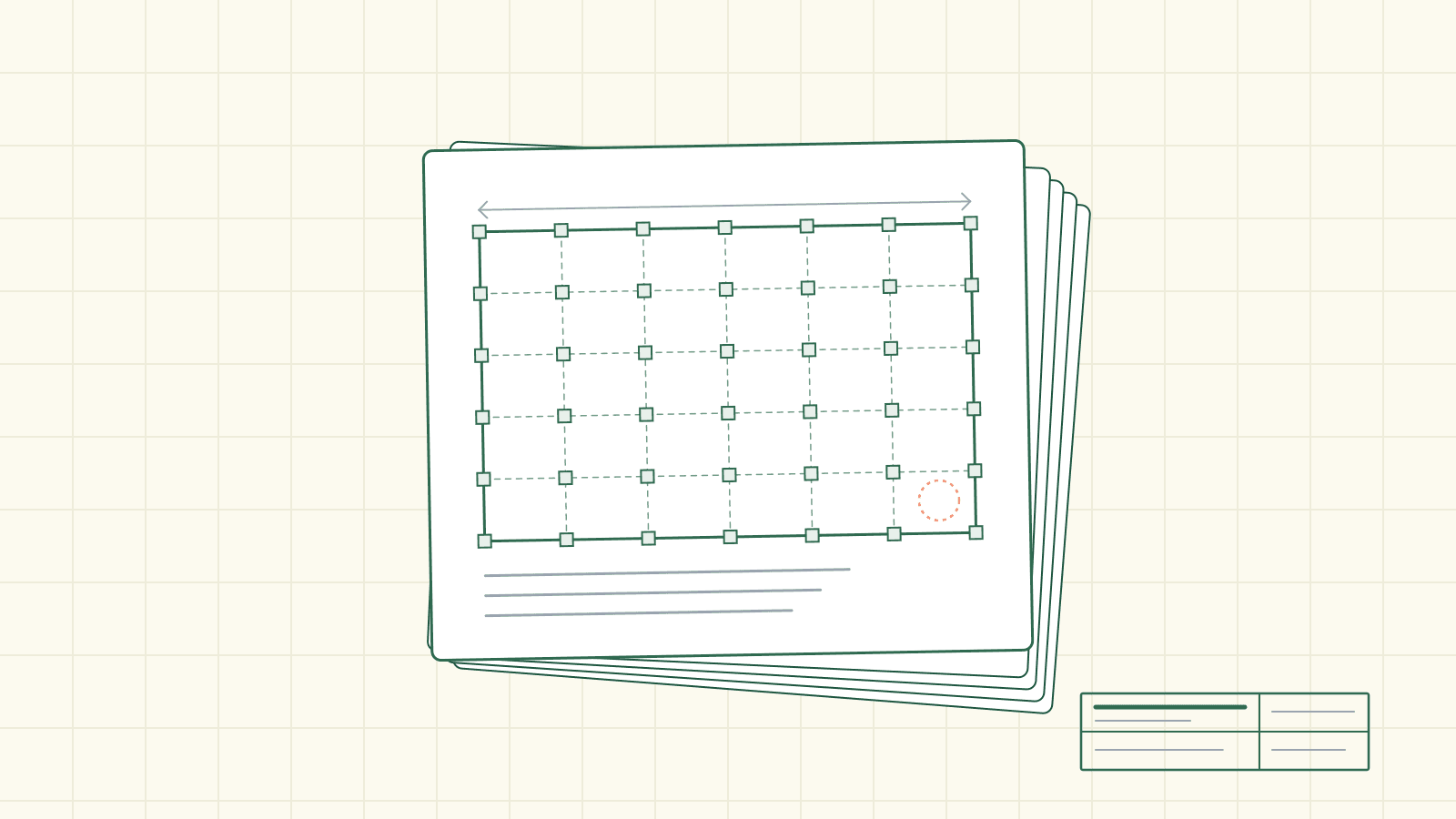
A pre-check is supposed to save you a round at the counter. The review reads your plan set, finds what a plan checker is likely to catch, and hands you the fixes before you submit. Useful. But here's the gap nobody talks about: the list lived on a screen, and the person who actually fixes the drawings usually isn't the person looking at the screen.
The builder runs the pre-check. The designer redraws the sheets. Between them runs a copy-paste seam — someone reading findings off a laptop and calling out sheet numbers to someone else in drawing software two rooms, or two time zones, away. And a correction is only as good as your ability to put a finger on the exact wall, window, or eave it's about. A sentence that says the trellis on the front elevation is not the same thing as a mark on the trellis.
So the fixes stayed trapped where they were found. On the screen. In the app.
Not anymore.
It comes back drawn on your plans
Now the pre-check hands itself back as one file you download: a single PDF with the brief up top — every fix, each one numbered — and then your actual plan sheets at the back, whole, with the corrections drawn on them.
Not a summary. Not a thumbnail. Each sheet that needs something is shown full, the way a plan checker reads it, and every fix is marked where it lives — a revision cloud around the exact object, an arrow to it, and the note set in the clear space beside it. Color ties it together: each numbered fix in the brief carries a color, and the same color marks its notes on the sheets at the back. Fix number three is the same shade in the brief and on the drawing, so you can read the file from either end and never lose the thread.
WHAT'S IN THE ONE PDF
  The brief             every fix, each one numbered
  Submit with plans     documents, new sheets, all-sheet changes, the index
  Your redlined sheets  each sheet with notes — shown whole, and marked
Download it, and it's yours. Hand the whole thing to your designer and they work straight off the marked sheets. Or work it the way an old-school plan check gets worked — the set on one monitor, the redline tool on the other, in software like Bluebeam — away from the app, at your own table, on your own time.
The corrections aren't a wall of red text in a browser anymore. They're drawn on your plans, in a file you own.
A document, not a destination
CrossBeam has put findings on the sheet before — click a finding and the viewer jumps to the exact spot it's about, or opens a calc to the page and boxes the number it cited. That's navigation: the app turns to the place, and you look.
This is a different thing. This is a document you download and take offline — whole sheets, the marks drawn on, no app required — so the set can ride out to a designer or sit on a plan checker's second monitor with the browser closed. The earlier work points you to the spot inside the viewer; this one hands you the redlined set as a file and gets out of the way.
When it can't point, it doesn't
A mark that's confidently wrong is worse than no mark, so the file is honest about its own reach.
When the review can't find the exact object a note is about, it doesn't guess a location and strand an arrow in empty space. The note is simply listed under its sheet — present, readable, plainly there — just without a mark it can't stand behind. And a pre-check that turned up nothing to draw downloads as the brief alone. No empty "redlined sheets" page tacked on the end, because a blank page at the back reads like your plans are clean — and that's a promise the file won't make on the review's behalf.
A busy corner stays legible
There's craft in not burying the drawing under its own corrections.
When several fixes land on the same spot, they don't stack ring on ring until the drawing disappears underneath — they share one cloud, and its scalloped edge takes each fix's color in turn. And when a single sheet is carrying a lot — more than a dozen notes — the file stops trying to float every note in the margins and switches to numbered tags on the drawing with the notes listed in a clean column beside it. The sheet stays readable no matter how much it has to say.
Both sides of the counter
The same careful hand that redlines a builder's pre-check also redlines a city's plan-check correction letter — the exact object found, the mark drawn where it lives, on either document. Tune how a wall gets clouded and both get the fix. For a builder, that's the quiet reassurance underneath the download: the marks on your pre-check are laid down the same way a plan reviewer's own redlines would be.
How good is the aim? Treat this as a snapshot of how it behaved on one measured set before it shipped, not a promise about yours: of 60 arrows, 41 landed right on the object and 11 close enough to read — 52 of 60 you could act on. The ones it couldn't place with confidence, it listed instead of faking.
None of this is a city approval. A pre-check is a head start, not a stamp — codes change, editions turn, and the counter that signs off is the one whose rules decide your set, so verify anything with code stakes against the jurisdiction that will actually review it. What changed isn't the verdict. It's where your corrections live: no longer locked on a screen and read aloud across a seam, but drawn on your own plans, in a file you can hold, hand off, and take to work.